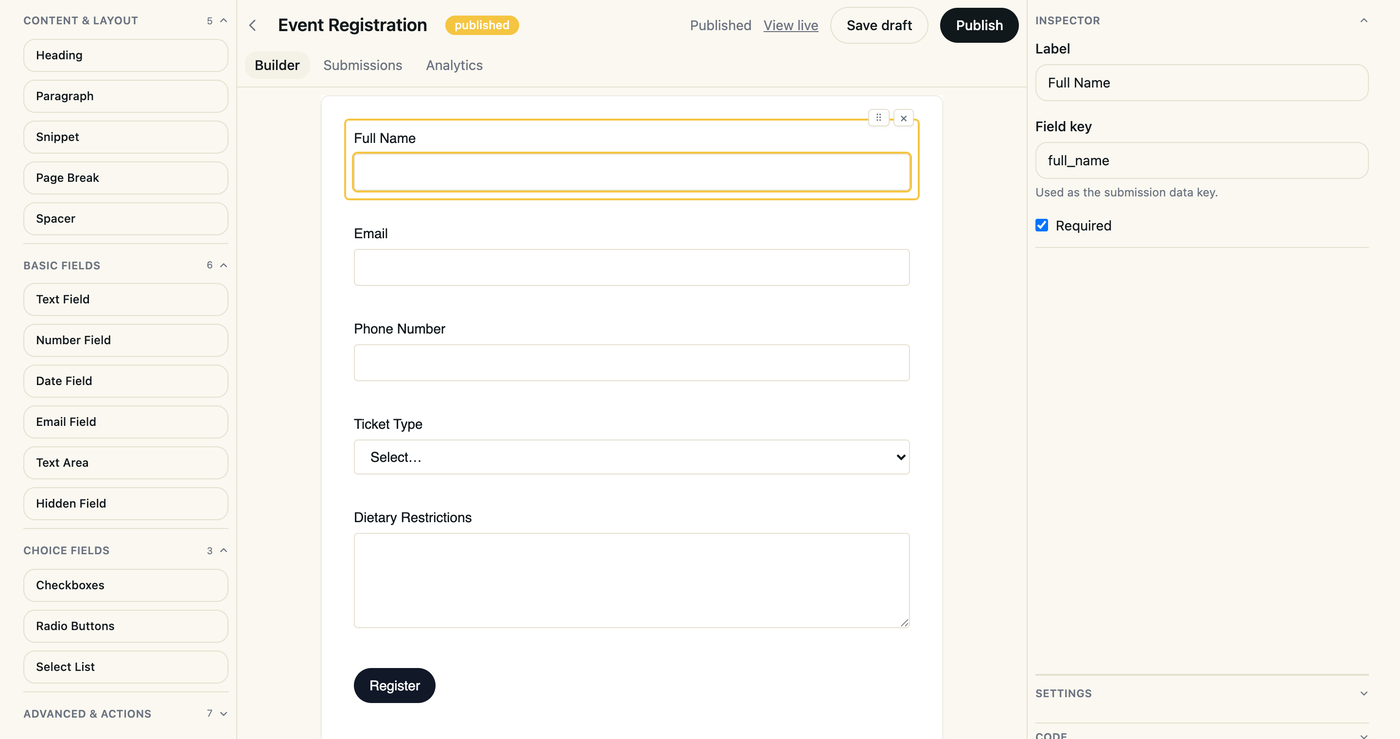
Visual builder
Drag-and-drop fields, logic, and layout — no boilerplate to wire up by hand. Anyone on the team can build forms, not just the engineers.
Features
Everything included
Most teams stitch together a form tool, a payment page, and a spreadsheet of submissions. Hoot Forms puts building, publishing, payments, and tracking in one place, so shipping a new form takes minutes instead of a sprint.
Drag-and-drop fields, logic, and layout — no boilerplate to wire up by hand. Anyone on the team can build forms, not just the engineers.
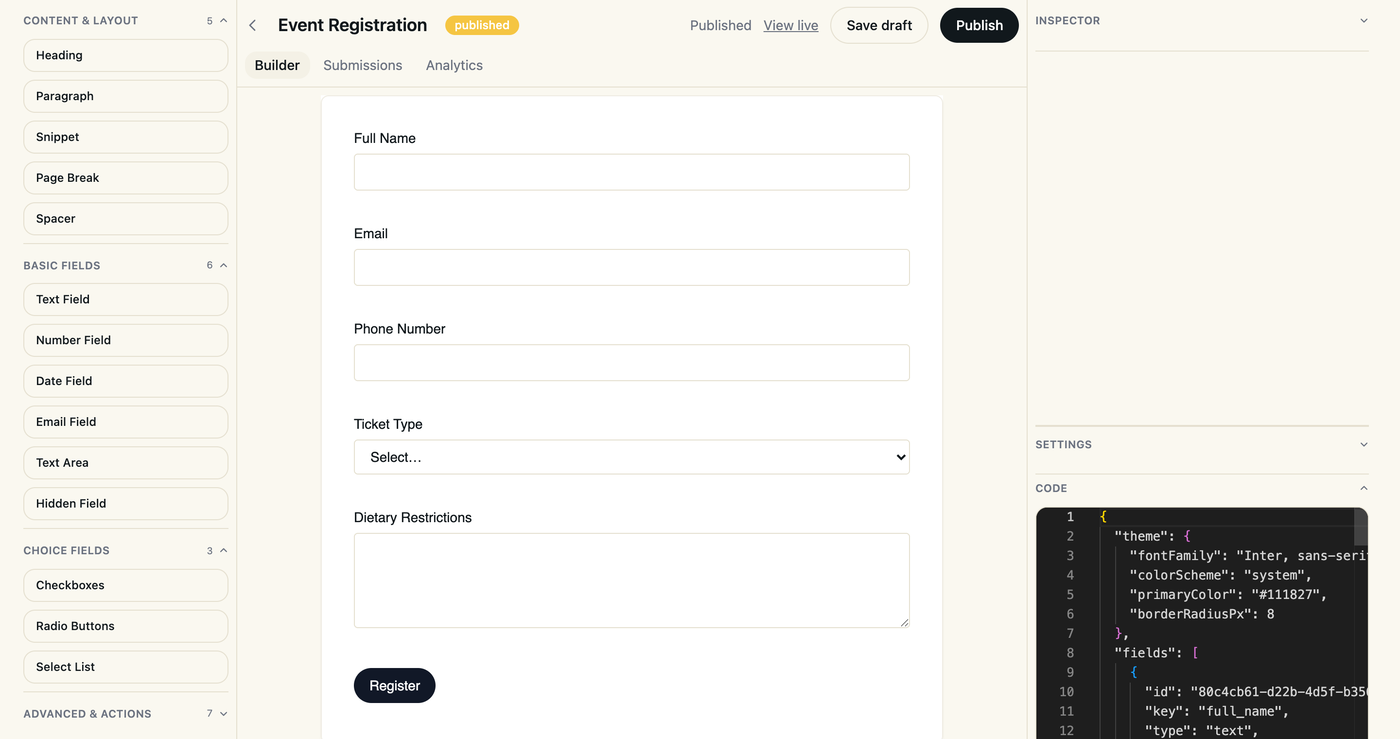
Every visual change stays in sync with a code representation your team can review and version. Designers and developers edit the same form without stepping on each other.
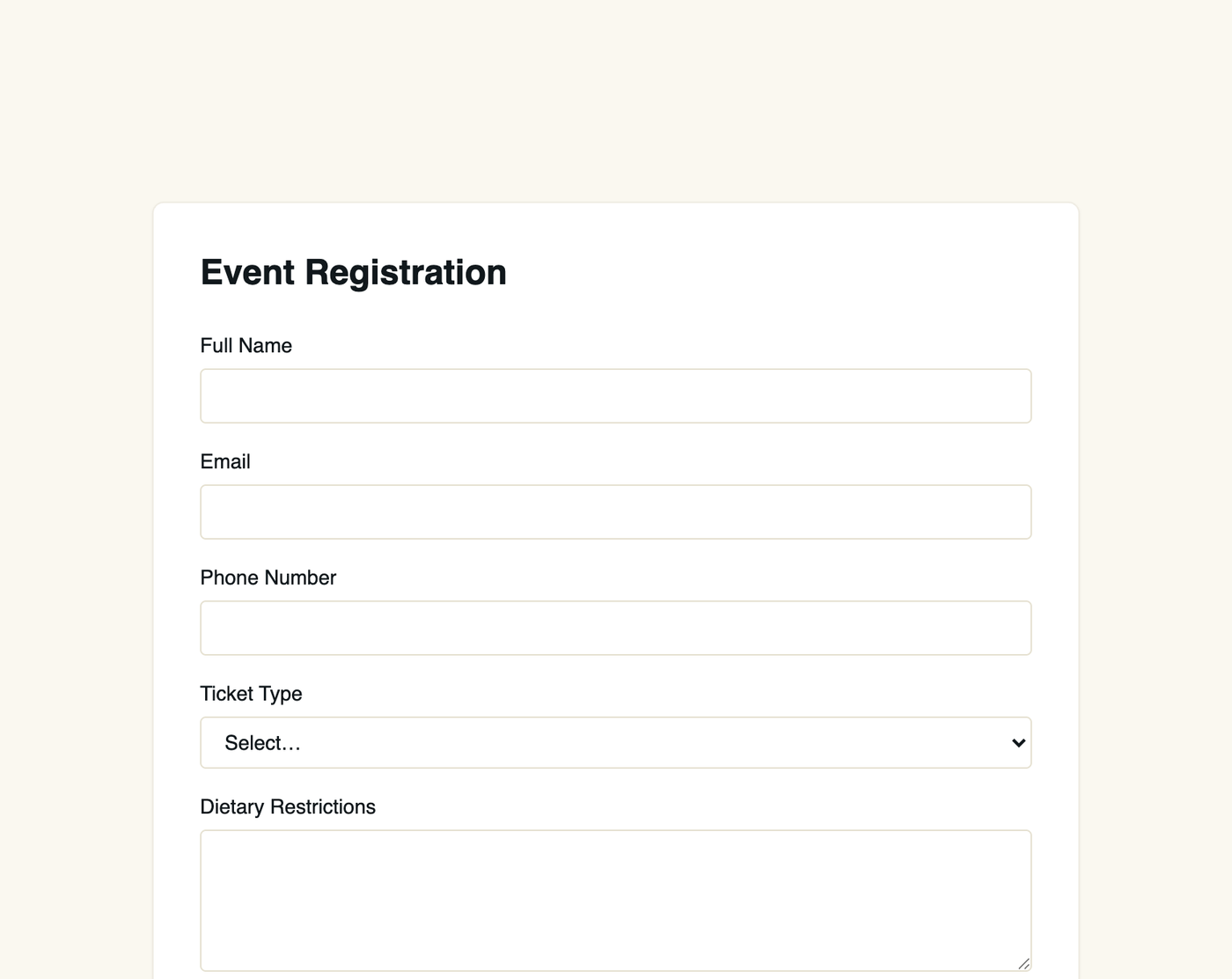
Ship a form to a live URL or embed it, with drafts and versioning built in. Preview changes first, then publish when you are ready.
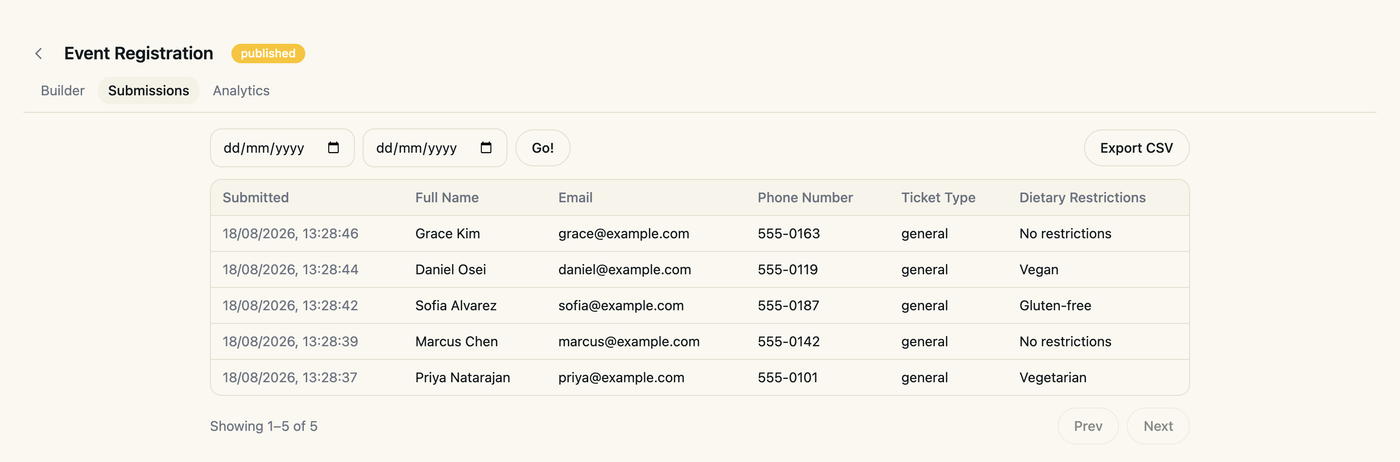
See submissions, funnels, and drop-off as they happen, not after the fact. Find the question that loses people and fix it the same day.
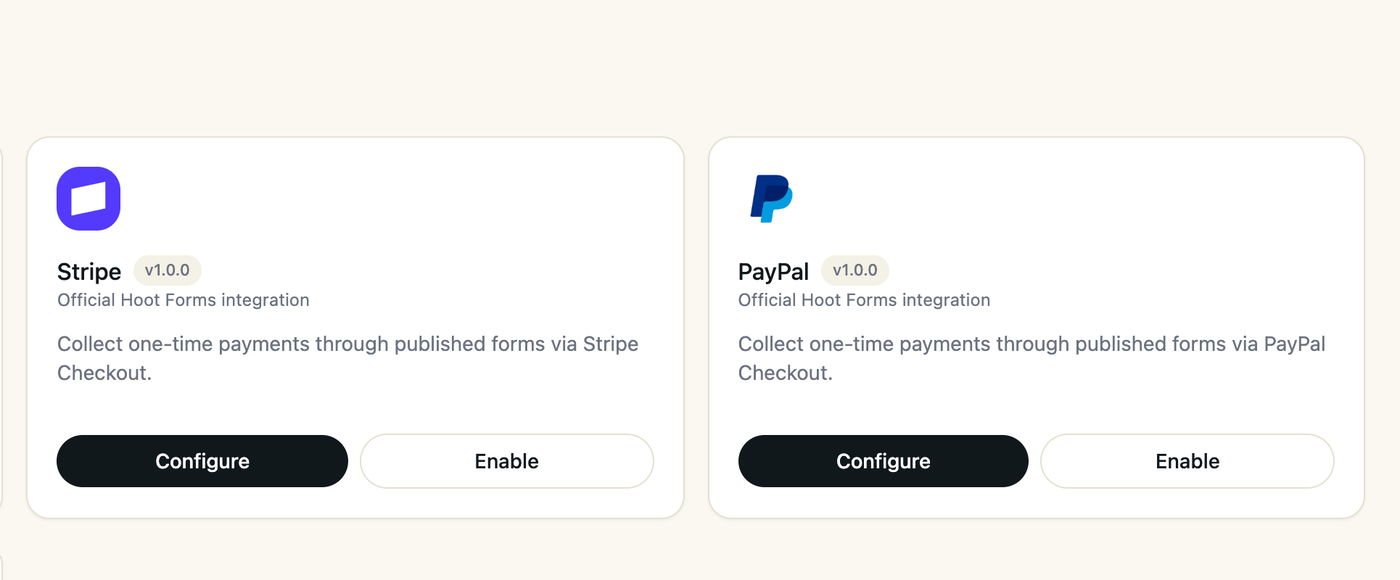
Collect payment on submission through a first-class plugin, not a workaround. Stripe and PayPal are supported out of the box.
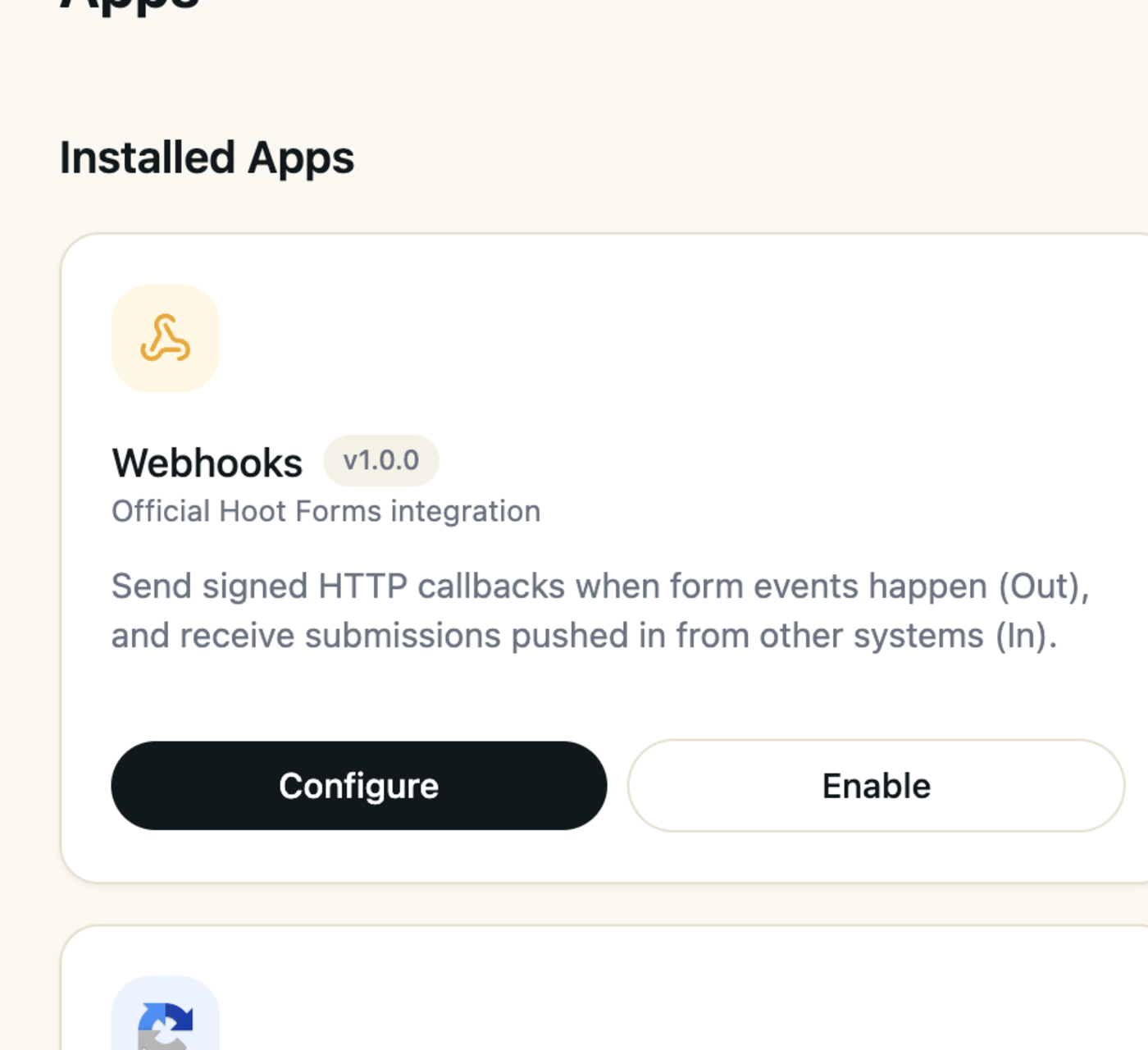
Push every submission wherever your stack needs it, in real time. Connect your CRM, database, or internal tools without writing glue code.
The builder
Try the same controls the builder gives you. These are small demos; nothing you type here is sent anywhere.
Start from a preset, then tune the colour and corner radius — or drop in custom CSS for full control. Pick one to restyle the form on the right.
Book a demo
Group fields into steps with a progress indicator, back navigation and saved progress. Pick from 20 indicator styles — bars, tabs, dots, timelines and more.
Required fields, length and number limits, patterns, email checks and conditional logic — with error wording you can rewrite. Try breaking the rules on the right.
Choose a style, write your own message, or send people to another page after a short countdown.
The builder shows your form on a desktop or phone-sized screen right where you edit it. This is a real form from the app, rendered exactly as your visitors would see it.
This preview loads a live form from app.hootforms.com.
How it works
Add fields, logic, and styling visually, or drop into code when you need precision. Start from a template or a blank canvas.
Turn on payments, webhooks, or notifications with a plugin, not a custom integration. Each plugin is configured per form in a few clicks.
Ship to a hosted URL or embed on your own site, with drafts you can preview first. Updates go live without touching your website code.
Track submissions and drop-off live, and iterate without redeploying. Every response is stored and ready to export as CSV.
Free to start, no credit card required. Still deciding? Read the FAQ.
Create your first form